
Flex Work Place
Passage
Flex Work Place Passage helps organizations achieve a VDI-like security posture on existing PCs, simply and at low cost. It redirects user data to company-managed file servers, protecting data and strengthening security while preserving the responsiveness of local PC computing resources.
Overview
Flex Work Place Passage is a workplace solution that helps organizations manage business data as a corporate asset by centralizing designated user data on company-managed file servers. By redirecting user data away from local storage, Passage helps enhance data protection and improve endpoint security. Because computing resources are utilized locally on the user's PC, organizations can reduce reliance on server-side processing while minimizing the performance impacts often associated with virtual desktop environments.
-
Presentation Video
Benefits
-
01
Centralized Storage of User Work Data (On-premise File Server)

By keeping user work data off local PCs and consolidating it on company-managed file servers, organizations can centralize data location, access permissions, and management responsibilities. This enables secure data management that is not tied to any specific device, allowing consistent, policy-based operations across the entire organization.
-
02
Effective as a Security Measure

Flex Work Place Passage provides a data-less environment by preventing any data from being stored locally. The software maintains security standards equivalent to virtual desktop environments (VDI, DaaS) while delivering exceptional cost efficiency and high performance comparable to a standard PC.
While VDI and DaaS are unusable without a stable network connection, Passage enables users to continue certain operations offline. Any offline data is stored in a volatile memory area, providing an added layer of security. Users can be assigned individual PCs that may be securely taken offsite, serving as a practical alternative for thin client infrastructure in remote access scenarios. -
03
Adaptability to Changing Business Environments

Whether you are teleworking or working remotely, Flex Work Place Passage ensures robust security while enhancing user convenience. Your PC will run web conferences and everyday tasks smoothly, with minimal risk of delays.
Key Features
and Capabilities
Flex Work Place Passage conceals local drives and restricts write access to the local disk, ensuring the user experience remains unchanged. Data that would typically be written to the local disk is instead stored on the file server. Since all data is maintained on the server rather than locally, backup procedures for PC replacement or repair become unnecessary, reducing operational workload.
-
Keep Data Within Secure Data Centers
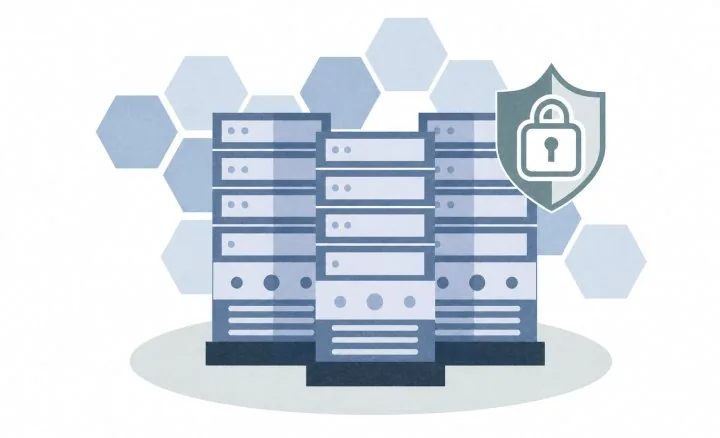
File servers are commonly overseen by IT administrators and hosted in secure data centers. Flex Work Place Passage guarantees that data stays within these protected environments, delivering robust security and reducing risks while also supporting productivity through centralized management.
-
Deploy Instantly Without Impacting Your Standard PC Experience
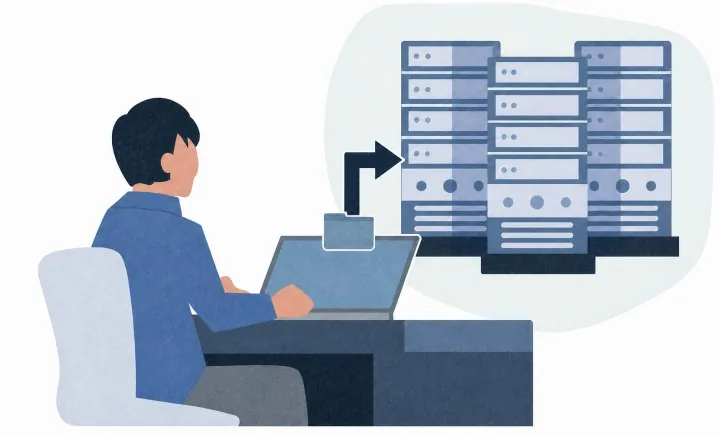
Flex Work Place Passage integrates seamlessly with your existing Windows environment. Files are automatically saved to a secure file server instead of your local disk, without any manual input. No training is required. Simply install the software, and users can start working right away.
How It Works
Simply install Passage on your existing PC
to get started right away.
System Requirements
Client PC
- OS
Microsoft Windows 11 *1
Pro
21H2 (Build 22000) / 22H2 (Build 22621) / 23H2 (Build 22631) / 24H2 (Build 26100)Enterprise
21H2 (Build 22000) / 22H2 (Build 22621) / 23H2 (Build 22631) / 24H2 (Build 26100) / 25H2 (Build 26200)- Runtime
- Microsoft .NET Framework 4.8.0 or above
Microsoft Visual C++ 2017 Redistributable - CPU
- 1GHz or above
- Memory
- x86 OS: 2GB or above
x64 OS: 4GB or above - HDD
- Passage Application: 100 MB available space
Additional free space is required to support Windows OS and other applications.
Passage Plate (VHD format): 3 GB available space
When changing the local workspace size during installation, an additional 2 GB on top of the workspace size is required.
Passage Plate (Hard Disk format): 256MB Drive (Partition)
A separate drive (partition) must be allocated for the local workspace prior to installation. All existing data on the drive will be erased during the process. - Port
- 80/TCP
- Offices
- Join the same Active Directory domain as the redirect server *2
*1: The Windows Terminal app, installed by default in Windows 11, does not adhere to the same launch restrictions as Command Prompt or PowerShell.
*2: Refers to the file server used to store the relevant data.
Redirect Server
- OS
- Microsoft Windows Server 2016
Microsoft Windows Server 2019
Microsoft Windows Server 2022
Microsoft Windows Server 2025
Microsoft Windows Storage Server corresponding to the versions above - CPU
- 1GHz or above
- Memory
- 4GB or above
- HDD
- Disk space equivalent to the total profile data size of all migrating user accounts
- Port
- 445/TCP
- Domain
- Must be in the same Active Directory domain as the Passage client
License Server
- OS
- Microsoft Windows Server 2016
Microsoft Windows Server 2019
Microsoft Windows Server 2022
Microsoft Windows Server 2025 - Runtime
- Microsoft .NET Framework 3.5
Microsoft .NET Framework 4.7.1 - Web Service
- Microsoft Internet Information Services
- HDD
- Disk space equivalent to the total profile data size of all migrating user accounts
- Database
- Microsoft SQL Server 2014 Service Pack 1 / Service Pack 2
Microsoft SQL Server 2016 Service Pack 2
Microsoft SQL Server 2017
Microsoft SQL Server 2019
Microsoft SQL Server 2022 - CPU
- 1GHz or above
- Memory
- 4GB or above
- HDD
- 40GB available space
- Port
- 80/TCP
*Specifications as of October 2026; subject to change without notice.
*Microsoft, Windows, Windows Server, SQL Server, Visual C++, and Active Directory are registered trademarks of Microsoft Corporation in the United States and other countries.
*Data-less PC™ and Flex Work Place are trademarks or registered trademarks of Yokogawa Rental & Lease Corporation.
*All other company, product, and service names mentioned are trademarks or registered trademarks of their respective owners.

Leveraging OneDrive, Flex Work Place Passage Drive centralizes user data in the cloud, simplifying migration and enhancing security. It delivers VDI-equivalent security on your existing PCs, simply and at low cost.
Learn More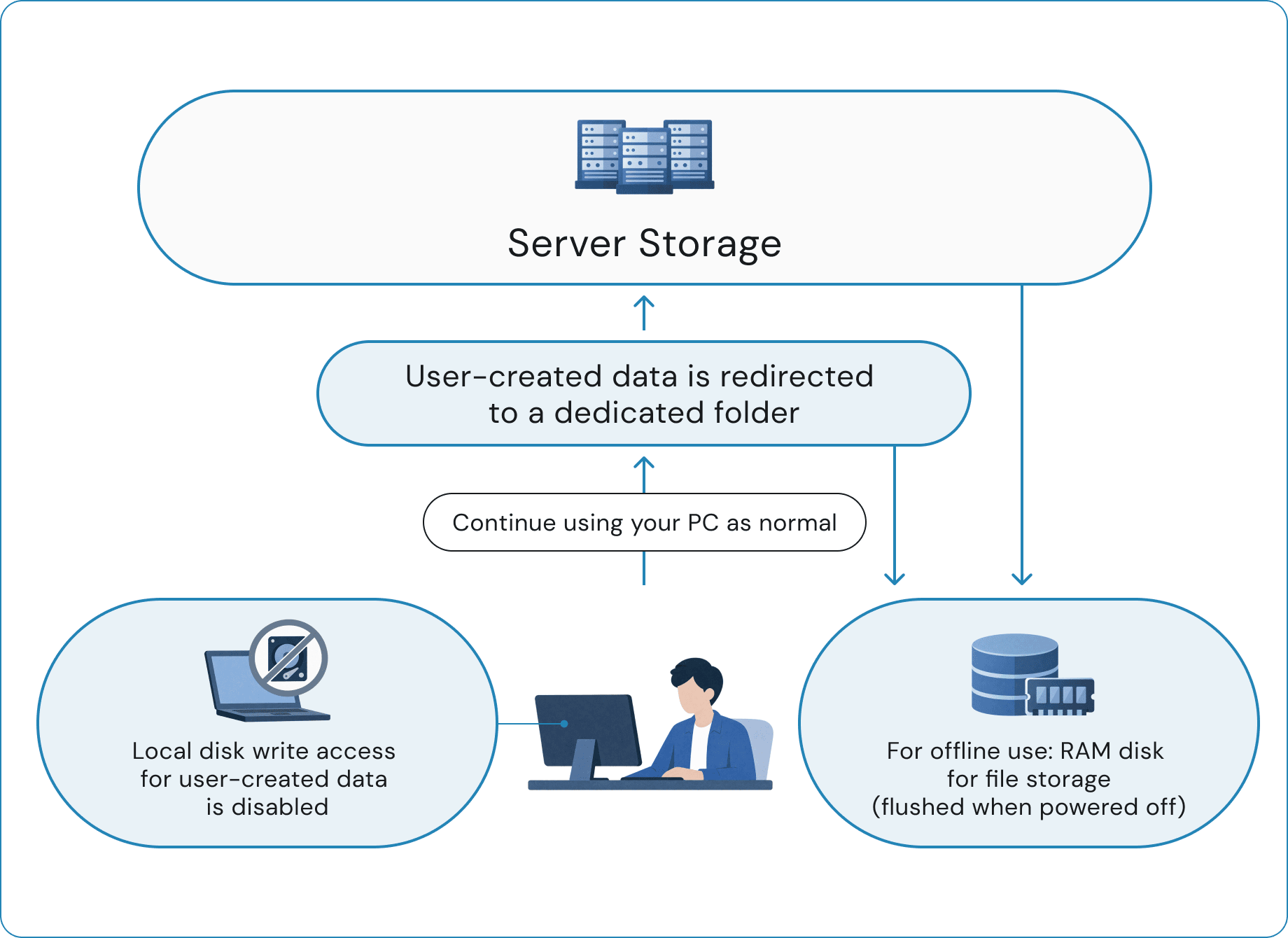
Contact Us About